Market Data Providers
Strategies and ML models work on market data (price bars). AI Trader collects it from a data provider you connect — an integration.
Supported providers
Alpaca, Polygon, OANDA and Alpha Vantage. You need an account and API key with the provider; free or paper keys are fine to start.
Connect a provider
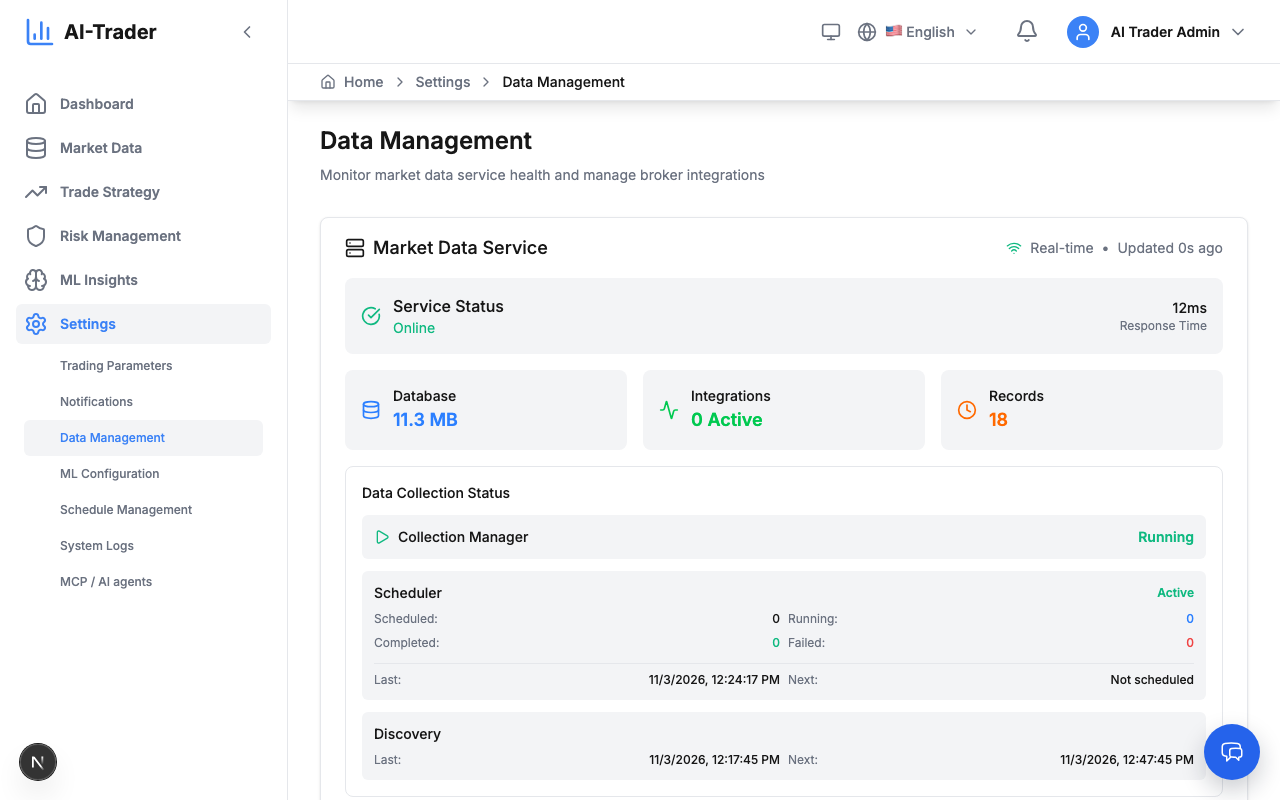
- Open Settings → Data Management.
- Add an integration: choose the provider type and give the integration a name, for example Alpaca Paper Trading.
- Fill in the Configuration fields the provider needs (API key, secret and similar).
- Save. The integration appears in the list with its status.
Keys are entered only in this form and are shown masked. Never share keys in chats, tickets or screenshots; if a key leaks, revoke it at the provider and enter a new one.
Choose symbols
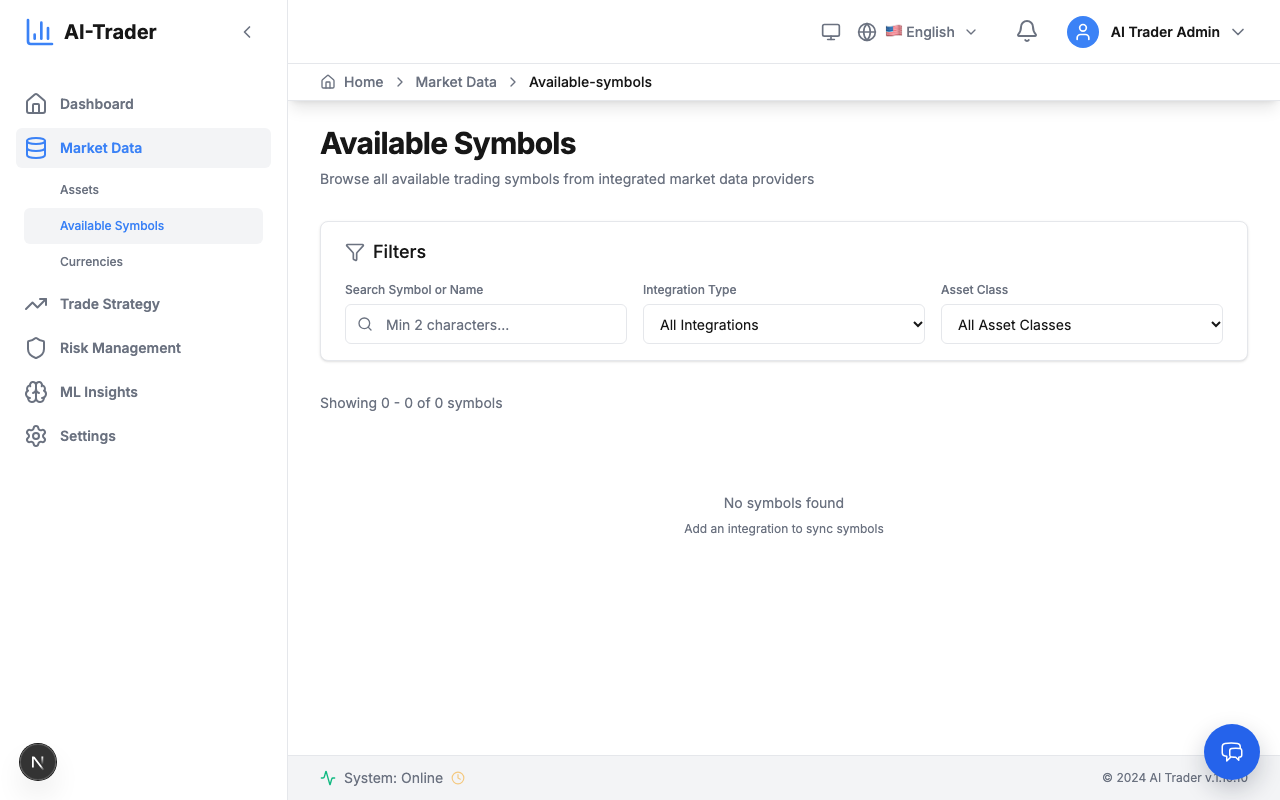
- Open Market Data → Available Symbols and search for a symbol (at least 2 characters). Filter by provider and asset class (Stock, Forex, Crypto, Option).
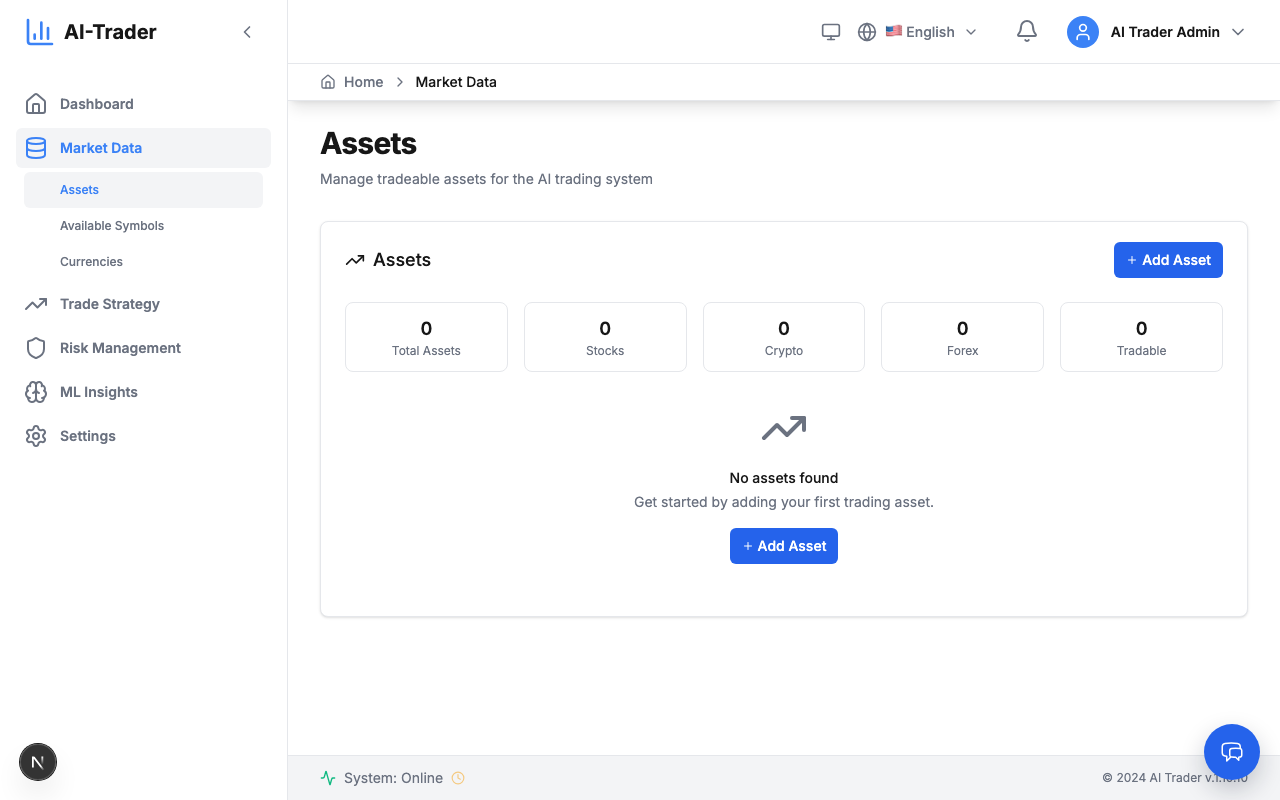
- Add the symbol as an asset: on the integration in Data Management, or with Market Data → Assets → Add New Asset.
- The asset appears in Market Data → Assets; data collection runs on the schedules in Settings → Schedule Management.
Next step: add a trading account (“Brokers and Trading Accounts”).